Stop learning about missing paperwork from FEMA.

ObliGate checks your Public Assistance projects for documentation gaps, procurement issues, and cost eligibility problems before you submit, so FEMA's review isn't the first time anyone catches them.

Documented
$2,184,500
Fed. share
$1,638,375
At risk
$312,400
Open findings · 3 of 7
Needs you
17 timesheets missing, CAT A debris crew
Labor 1/09–1/17 · $84k exposure
PAPPG v5 Ch.6 §III
Independent cost estimate missing
Contract #DR-4856-14, over $250k threshold
2 CFR 200.324
Federal flow-down clauses present
All 7 required provisions verified
Resolved
Auto-saved · 11:42 AM
K to jump
Preview · not a live project
Figures illustrative
Built against primary sources
PAPPG v5 (2024) · 44 CFR Part 206 · 2 CFR Part 200 · Contract Provisions Guide FY24 V2
The problem

Most PA deobligations are preventable.

The most common reason FEMA reduces or pulls back reimbursements isn't bad judgment. It's missing paperwork: a timesheet not uploaded, a contract that skips a required provision, a procurement that exceeded the threshold without an independent cost estimate on file. These are mechanical failures. They're detectable before submission.

Why it matters
Composite scenario

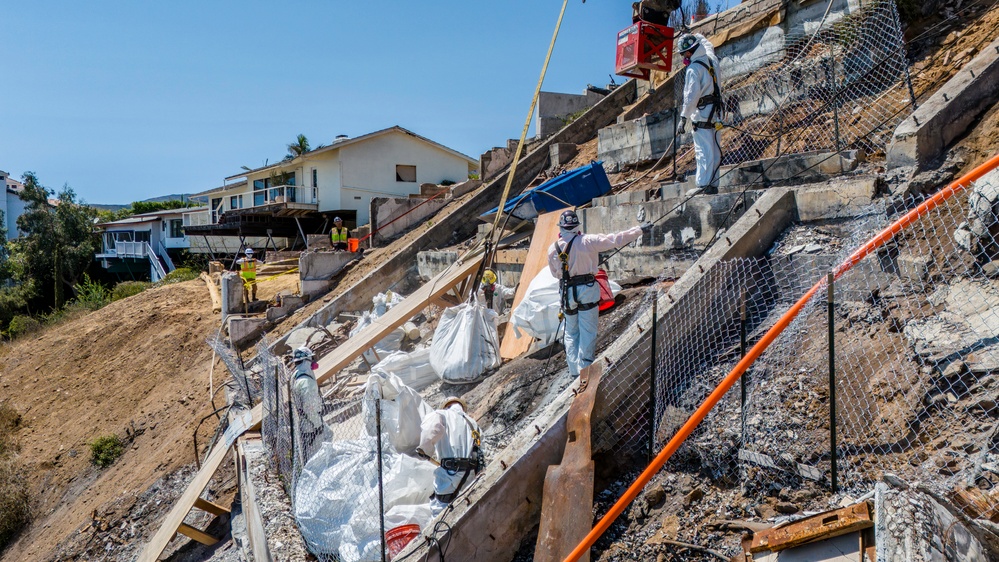
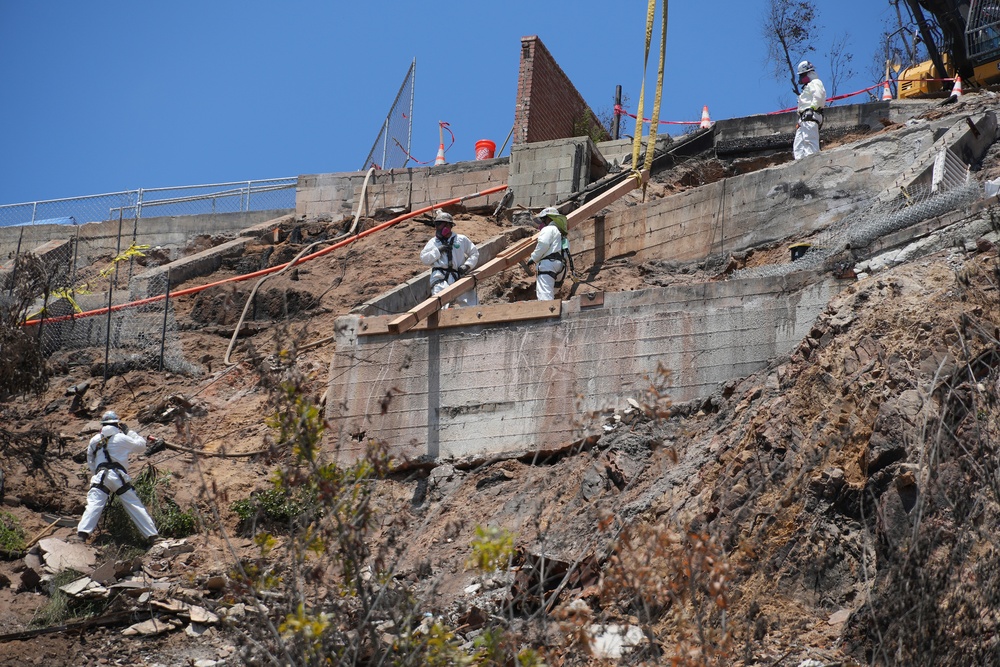
A $2M debris removal project. Seventeen timesheets missing. FEMA RFI sent fourteen months after the disaster. Documentation harder to reconstruct than it would have been to upload at the time.

What we catch
four failure modes
Missing paperwork

The primary cause of funding recovery. We automate the paper trail gap analysis.

44 CFR §206.228
Mechanical failures

Procurement records that exceed thresholds without required documentation, contract provisions that don't meet federal requirements, cost types that don't qualify under your damage category.

2 CFR 200.317–.327
Policy drift

ObliGate checks against current PAPPG requirements so you're not relying on institutional memory from the last disaster.

PAPPG v5
Audit trails

Every compliance check is logged with a timestamp, giving you a documented record of your review process before submission.

2 CFR 200.334
How it works

Three steps, no black box.

01
02
03
Step 01 ~5 min
Ingest Data

Enter your project data or import from a spreadsheet. ObliGate organizes cost items by type and maps them to FEMA damage categories.

Detected · CAT A, Debris
FA Labor, 1/09–1/17$84,210
FA Equipment, loader$26,400
Contract, Ace Hauling$412,900
Step 02 rolling
Attach Docs

Upload timesheets, invoices, contracts, and procurement records. ObliGate classifies document types automatically and tracks what's missing.

Timesheets 112 / 129
Invoices 48 / 48
Procurement records 6 / 11
Daily activity logs review
Step 03 under 2 min
Run Check

Run a compliance check. ObliGate flags documentation gaps, procurement issues, and cost eligibility problems with plain-language explanations and remediation steps.

Contract #14 over threshold, no ICE.
→ Upload ICE, or justify sole-source
DAL entries for 1/11 incomplete.
→ Reconstruct from call logs
Flow-down clauses present.
→ No action
Who it's for

Built for the people doing the work.

01
Local government agencies

Counties, cities, and special districts managing PA projects after a declared disaster. Particularly useful for organizations with multiple active projects across different damage categories.

02
Grants managers and finance staff

The people responsible for documentation completeness and cost eligibility, not FEMA program specialists. ObliGate is designed to be used by the team member who actually assembles the submission package.

03
PA consultants

A dedicated workspace per client, with project data kept separate so each engagement stays clean.

Pilot intake · Step 0
We'll be in touch within one business day.

Get started

We're onboarding pilot organizations now. If you're managing PA projects for an active disaster, leave your information below.

By submitting, you agree to our Privacy Policy.